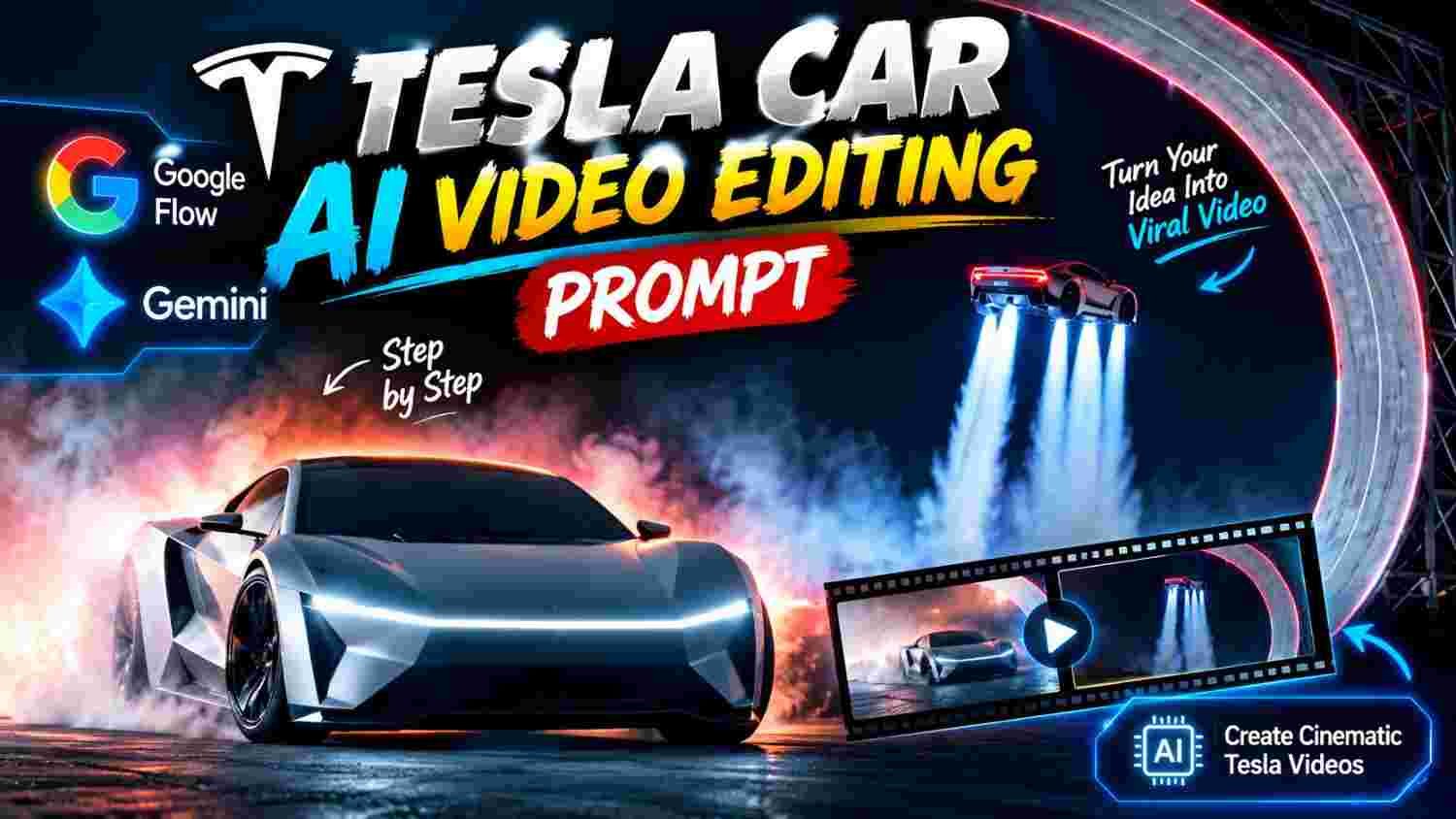
Tesla car videos are becoming popular on social media because of their stylish looks and amazing visual effects. These videos show beautiful cars with bright lights, smoke effects, smooth movements, and cinematic backgrounds. Many creators want to make this type of video for Instagram Reels and YouTube.
Google Gemini can help you create AI car visuals with the help of text prompts and reference images. You can describe the car’s design, background, lighting, and other details according to your idea. The final result depends on the features available in Gemini and the quality of your prompt.
You do not need to be a professional editor to start. With a clear idea and the right instructions, you can explore different styles and create your own Tesla-inspired AI video.
What Is Tesla Car AI Video Editing
Tesla car AI video editing is a creative way to make car visuals with the help of artificial intelligence. You can create scenes with stylish cars, beautiful lighting, dark backgrounds, and futuristic effects.
These videos look attractive because they combine different visual elements in one place. The car becomes the main focus, while the background and lighting make the scene more interesting.
Many creators use this style to make short videos for social media. You can also try different colours, camera angles, and cinematic effects to develop your own editing style.
Getting Started With Google Gemini
- First, open Google Gemini on your phone or computer. Check which image and video features are available in your account.
- Choose a clear image of the car you want to use in your project.
- A good reference image helps you describe the car’s shape, colour, wheels, and headlights.
- If image uploads are supported by the feature you are using, attach your selected image.
- Think about the final look you want before writing your prompt. This will help you give clear instructions and maintain a consistent style.
- A good prompt explains what you want the AI to create. Write about the car’s appearance, the background, the lighting, and the camera movement.
- Keep your instructions simple and clear.
- Explain how the car should look and what kind of atmosphere you want in the scene. If you want a futuristic style, describe the lighting and visual effects that match your idea.
- Avoid adding too many different effects to one prompt. Clear instructions can help the AI understand your creative direction and produce a result closer to what you want.
Creating Tesla Car Visuals With AI
- After preparing your prompt, submit it through the suitable Gemini feature.
- If you are using a reference image, check whether the generated result keeps the important details of the car.
- Look carefully at the body shape, wheels, headlights, and reflections. Sometimes AI can change small details or create unwanted visual differences.
- If the result does not look right, change the prompt and try again.
- You can improve the description of the lighting, background, and car design until you get a result you like.
- Remember that image generation and video generation are different features.
- If Gemini creates only an image for your chosen request, you will need a compatible video tool to turn the visual into a moving scene.
Choosing the Best Video Settings
The video format should match the platform where you want to publish your content. A vertical 9:16 format is suitable for Instagram Reels and YouTube Shorts. A horizontal 16:9 format is better for regular YouTube videos.
Lighting is also important. Blue lights can give the car a futuristic look, while red lights can make the scene more dramatic. A dark background can help the car stand out. Choose camera movements that show the car clearly. Smooth movements and consistent framing can make the final video look more professional.
Adding Cinematic Effects
Cinematic effects can make your Tesla car video more attractive. You can describe smoke, glowing headlights, light reflections, and dramatic shadows in your prompt.
You can also explore futuristic effects if they match your idea. Keep the car clearly visible so that the effects do not hide its design.
Try to maintain the same lighting and colour style throughout the video. When every scene has a similar look, the complete video feels more connected and enjoyable to watch.
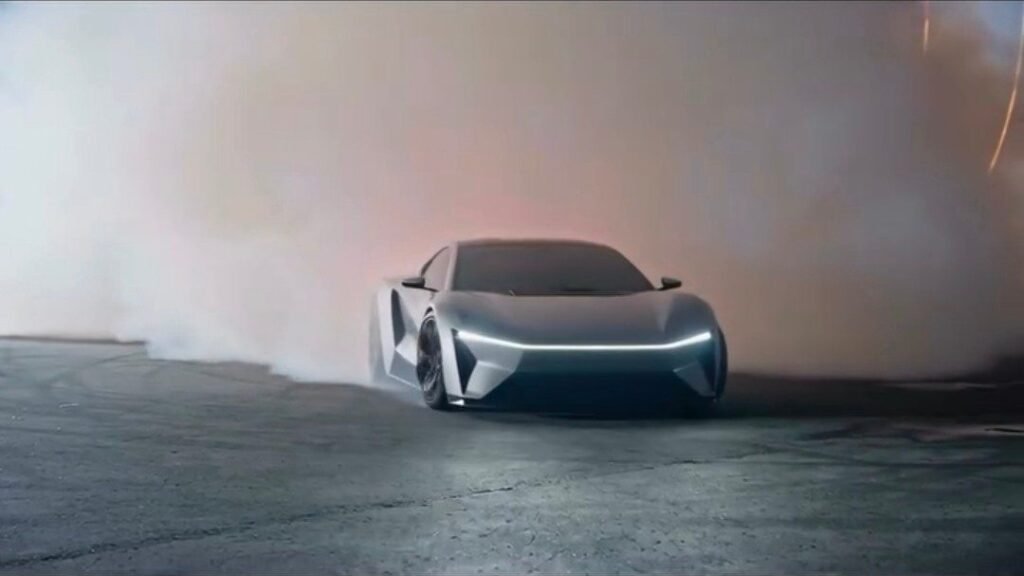
A fictional cinematic car stunt takes place at an outdoor testing arena at night.

Chetan is behind the wheel of a sleek silver concept car. The car accelerates rapidly up a massive curved ramp, launches into the air, performs a dramatic flip inspired by the reference footage, and levels out before descending. Powerful downward air jets slow its fall, creating a thick cloud of white vapour that spreads across the landing zone.

The car touches down inside the dense cloud and continues forward, gradually emerging through the swirling white vapour. The camera then cuts to the interior of the same car, revealing Chetan still in the driver's seat. He looks amazed and excited, reacting naturally as he exclaims:

“This is crazy!”

VIDEO FORMAT:

* Aspect ratio: 16:9

* Total duration: Exactly 15 seconds

* Camera setups: Exactly 3

* Hard cuts: Exactly 2

* Visual style: Photorealistic, cinematic, high-detail

* Motion: Real-time acceleration and natural motion blur

* No slow motion, time-lapse, extra cuts, or morphing

SHOT A — DRIVER INTRODUCTION (0.0–1.0s)

Interior view of the silver concept car. Chetan is seated behind the steering wheel, focused on the stunt ahead. Show the dashboard, steering wheel, and subtle reflections from the arena lights. Keep the camera steady and the driver's appearance consistent.

SHOT B — LAUNCH AND WHITEOUT LANDING (1.0–11.8s)

One continuous exterior camera recording with no cuts. The silver car accelerates up the enormous curved ramp, launches into the air, performs a complete reference-style flip, and levels out before descending. Downward air jets activate beneath the car, producing a powerful burst of dense white vapour across the landing area. The car lands smoothly within the cloud and drives forward, emerging through the swirling vapour as the headlights cut through the mist. Maintain consistent vehicle design, realistic momentum, and continuous camera tracking throughout the entire stunt.

SHOT C — DRIVER REVEAL (11.8–15.0s)

Make one hard cut to the interior of the same car. Chetan remains in the driver's seat, visibly thrilled by what just happened. He reacts with delighted disbelief and naturally says, “This is crazy!” Keep his facial appearance, clothing, and position consistent with the opening shot. Use realistic facial expressions and accurate lip-sync.

CONTINUITY REQUIREMENTS:

Maintain the same silver car, the same driver, consistent lighting, and the same nighttime testing arena throughout. The stunt must flow naturally from launch to landing, with no changes to the vehicle's shape or the driver's identity. Preserve the exact timing and three-shot structure, with only two hard cuts at 1.0 seconds and 11.8 seconds.
Editing the Video for Social Media
Once your visuals are ready, arrange them in a suitable video editing application if further editing is needed. Place the scenes in an order that makes the video easy to follow. Add suitable background music and adjust the timing to match the movement of the car. You can also improve brightness, contrast, and colours to make the scenes look consistent. Keep the transitions smooth and avoid adding too many effects. Before publishing, watch the complete video and check for any visual problems or sudden changes.
Making Your Tesla Video More Attractive
A strong opening can help people become interested in your video. Show the car clearly from the beginning and keep the most interesting visual moments easy to see. Use music that matches the mood of the video. Smooth transitions and good timing can make the content more enjoyable.
You should also try to create your own style instead of repeating the same design every time. Different backgrounds, camera angles, and lighting can help you make your content feel fresh and original.
Conclusion
Creating a Tesla car AI video with Google Gemini is a creative way to explore modern AI editing. You can start with a suitable reference image, write a clear prompt, and improve the result by changing the details that do not match your idea.
Focus on the car’s appearance, lighting, camera movement, and overall video quality. You do not need to use too many effects to make your content attractive. A clear visual idea and smooth editing can make a big difference. Keep practising with different prompts and styles. With time, you can learn how to create better Tesla-inspired visuals and make interesting videos for your social media audience.